
Project Overview
MusiFi is an AI-driven music creation and editing application that aims to simplify the process of music creation for musicians, producers, content creators, and beginners. Using artificial intelligence, machine learning, and natural language processing (NLP), the application allows users to transform their thoughts, text prompts, voice input, and music preferences into music pieces.
The application allows users to discover various music genres, choose their instruments, set up music parameters, create songs, and edit audio tracks according to their needs. Whether they want to create background scores and melodies or try something new with lyrics and vocals, MusiFi brings together a range of music production capabilities in one platform.
Our dedicated development team concentrated on building an intuitive and cross-platform experience of music creation through the use of AI-based music creation, real-time audio processing, and flexible editing features. The application also implements the freemium business model, enabling the client to target both casual music fans and professional users needing additional options.
Project Objectives
- Build an AI-based product that would compose music based on text, voice, and user input.
- Create music making easy for everyone – music beginners, musicians, producers, content creators.
- Provide music in various styles, instruments, moods, and composition types.
- Give users the ability to customize and edit music generated by AI.
- Accelerate music creation processes using automatic workflows.
- Create a cross-platform solution for both iOS and Android platforms.
- Add flexible subscription plans and commercial music licensing.
- Build a robust technical platform for further user scaling.
Let's Shape Your Project Together
Have an idea, a challenge, or a new project in mind? Our team is here to help.
Business Challenges
1. Creating Original and Rhythmic Music Using AI
When creating original music using AI, it is not enough just to merge sounds. Generated compositions should be rhythmic, melodic, structurally correct, consistent, and have the ability to support different genres and creativity preferences. The problem was to develop an AI-based music generation workflow that would generate various compositions depending on user input.
2. Turning Texts and Voices into Music
The idea of using text and voice inputs to generate music was a request from our users. It implied the necessity to interpret such inputs and translate them into music, melodies, instrumentals, and vocal compositions effectively using machine learning, NLP, and audio processing tools.
3. Providing Fast Music Generation and Editing
The processes of music generation and audio editing may be very resource-intensive. To ensure that our users will not have to wait for a long time, we had to develop a processing workflow that would make the process faster and smoother.
4. Striking a Balance Between Development Costs and the Quality of the Product
Creation of the AI music generator is associated with deep knowledge about application development, machine learning, audio processing, and user experience. In this regard, the task was to provide the product with the ability to strike a balance between development costs and valuable AI features.
5. Ensuring the Simplicity of Music Creation for Any User
Experienced artists will be interested in managing tempo, key, instruments, composition, etc., while beginners will appreciate only those options which help to create music quickly. This was one more challenge in the context of our work.
6. Ensuring the Monetization and Future Development Possibilities
It became necessary to develop a business model that would allow us to attract as many users as possible and ensure recurring revenue at the same time. The support of the free, premium, and commercial licensing options was critical in the context of product requirements
Our Solutions
As a leading mobile app development company, we have experience in iOS app development solutions as well as Android app development solutions. We created MusiFi as a tool for music generation and editing that uses artificial intelligence technology in the form of intelligent composition, adjustable audio controls, and an intuitive interface. In our solution design, we emphasized the accessibility of music composition and the ability of the user to play with the sounds.
Our team investigated the current AI-based music creation tools, selected appropriate machine learning techniques, and implemented the workflow based on the client’s needs and available budget. We handled integrating the AI model, music generation process, audio controls, and creating the cross-platform application.
AI-based Music Composition
An AI-based music generation workflow was created using machine learning algorithms to generate compositions according to user input. It was created to help users create their own tunes and soundtracks with the help of AI assistance without completely turning to manual compositions. Different machine learning models were taken into account, including recurrent neural networks (RNN), generative adversarial networks (GAN), and variational autoencoders (VAE). Depending on the intended output and processing power, model selection and implementation were chosen.
Music Generation Based on Text and Voice Inputs
The application offers users the opportunity to enter text prompts, lyrics, and voice inputs to guide the process of music generation. The combination of text and voice processing together with audio generation allows users to transfer their ideas into music. Instrumental, melody, and vocal content can be explored through the generation workflow capabilities. It decreases the effort to transform an idea into music.
Editing the Music Generated
Music editing was provided so that users would be able to modify their generated music. The app provides features that allow modifications of musical aspects like tempo, key, mood, chord progression, beat strength, and instruments used. The ability to edit and modify generated music enables users to make changes to suit various purposes.
Efficient Audio Processing and Scalable Infrastructure
The main attention was paid to making the product work in terms of AI inference and audio processing to make music creation and editing efficient and quick. Technologies for audio processing, background tasks, caching, and real-time communication have been researched to make the whole application more efficient and convenient.
Flexible Subscription and Licensing Model
For supporting the commercial needs of the client, we suggested that the product should have both free and premium subscriptions as well as music licensing for commercial use. This will allow the company to develop its business model and earn money through subscriptions and licensing.
Key Benefits
- Enable music creation by both beginners and seasoned musicians.
- Create new music from text, lyrics, vocals, and creative inclinations.
- Experiment with different genres, instruments, feelings, and styles of music.
- Minimize the physical work needed to create new music compositions.
- Edit the AI-generated music tracks via advanced editing capabilities.
- Facilitate a cross-platform environment for iOS and Android users.
- Create potential recurring revenue sources via free and paid versions.
- Offer commercial licensing based on the licensing conditions of the product.
- Build a base for further AI model and audio processing enhancement.
- Allow scalability of the application and cloud environment for potential growth in the user base.
Key Features
User Registration & Login
User should be able to register via supported options and log in to use the music generation and editing functionality of the application.
Music Templates
Include music templates of different genres and styles, such as rock, jazz, classical, electronic music and more to help user start writing a composition by choosing his own preferences.
Instruments
The user will be able to choose appropriate instruments including guitars and others, such as melodies, harmonies, etc.
Text-to-Music Composition
The user will be able to input his own text ideas and generate music compositions according to the chosen genre and stylistic.
Voice Input for Music
Include voice inputs as one of the ways to make music using the application, considering the limitations of integrated AI models.
AI-assisted creation of Lyrics and Melody
Assist the user in developing music ideas using lyrics suggestions, melody ideas, and music compositions made from their creative inputs.
Control of Music Parameters
Give control over the adjustment of parameters like tempo, musical key, mood, chord, beat, and instrumentation of the tracks generated to better fit the requirements of the user.
Music Composition and Music Editing
Enable the generation of tracks for the user, preview and refine the tracks in the music composition using the music editing feature within the application.
Audio Editing through Waveform
Allow waveform-based editing to make track edits and facilitate user editing in an easier way.
Sound Effects and Background Music
Guide the user on the use of sound effects and background music that complement their themes and genres according to their music choices and preferences.
Management of Subscription
Offer a Freemium business model to support product and service subscriptions in different categories of free or premium subscriptions.
Licensing for Music
Enable the basis for offering commercial music licensing.
Technology
| Programming Language | Python |
| Frontend Development | JavaScript, React Native |
| Backend Development | Node.js |
| AI & Machine Learning | RNNs, GANs, VAEs, selected ML models |
| Natural Language Processing | NLP techniques |
| Audio Processing | Librosa, FluidSynth, FFmpeg |
| Database | MySQL, MongoDB |
| Real-Time Communication | WebSockets |
| Caching & Processing Support | Redis |
| Cloud Infrastructure | AWS, Google Cloud, or Microsoft Azure, depending on deployment requirements |
Business Results
70%
Higher User Engagement
The original project report noted up to 70% user engagement during the first three months, highlighting the potential of an accessible interface and AI-assisted music creation workflow to encourage product adoption.
90%
Positive User Feedback on AI Music Quality
According to the project notes, over 90% of surveyed users reported satisfaction with the quality of AI-generated music, indicating a positive response to the composition experience.
150%
Revenue Growth Within Six Months
The reported freemium business model contributed to a 150% increase in revenue over six months, demonstrating the commercial potential of combining accessible entry-level features with premium offerings.
50,000
Active Users Supported
The original project details reported that the cloud-based infrastructure supported up to 50,000 active users without major infrastructure expenses, providing a foundation for further product growth.
Expanded
Opportunities for Industry Partnerships
The project notes also reported interest from musicians, music producers, and content creators, creating opportunities to explore collaborations and broader use cases for AI-generated music.
Product Gallery
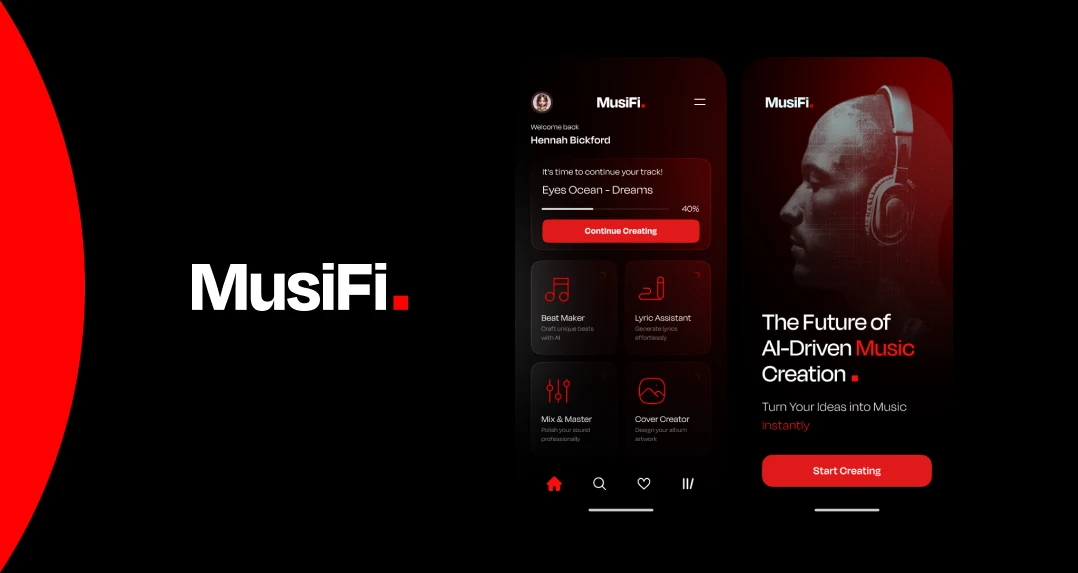
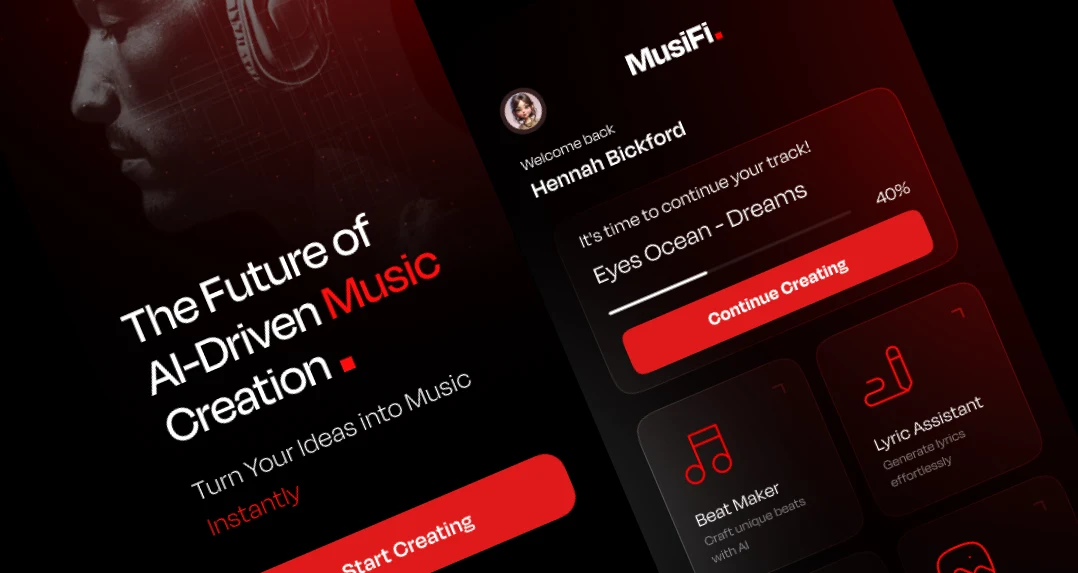
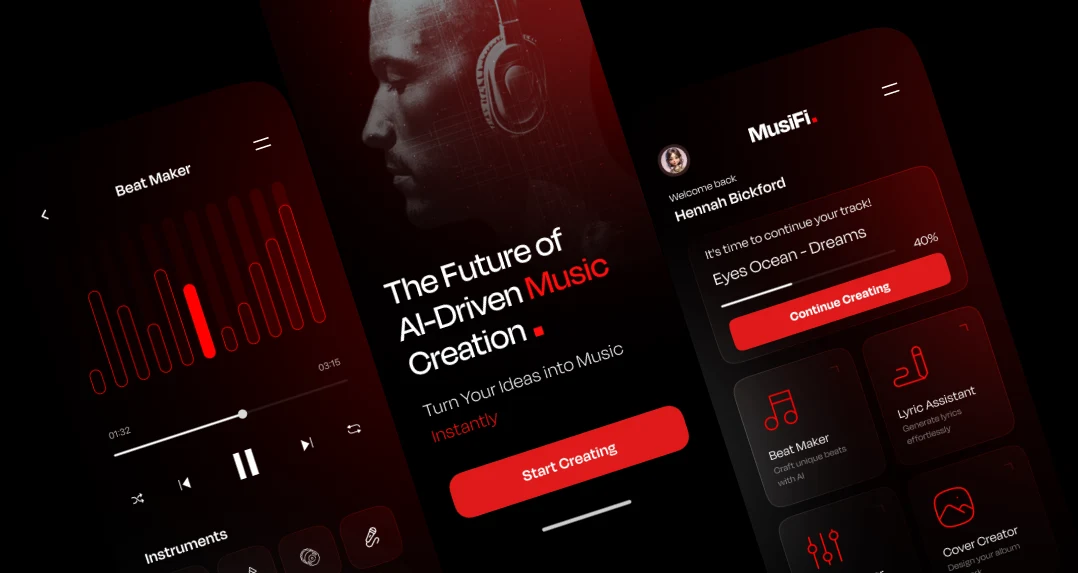
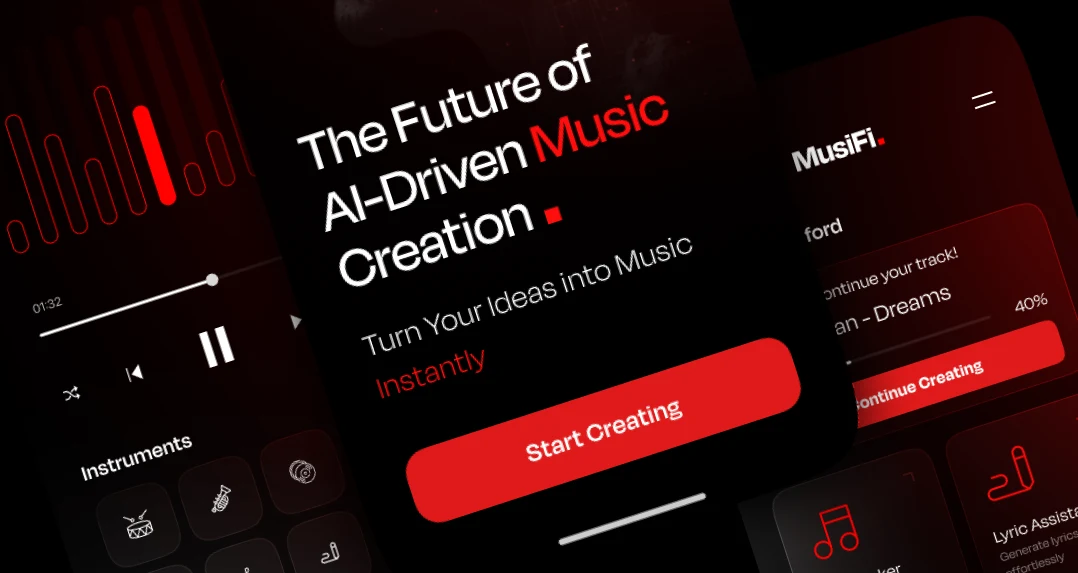
Are You Interested in Developing a Similar AI Music Generator Application?
Turn your music technology idea into a practical digital product with the right combination of AI, audio processing, and user-focused application development. Our consultants are ready to discuss your requirements, product goals, and budget.
- 450+ Engineers
- 14+ Years
- Flexible Engagement
- US Business-Hour Collaboration
Frequently Asked Questions
The AI music generator app is designed to use artificial intelligence and machine learning technologies to assist users in generating music based on different inputs like text prompts, lyrics, musical preferences, or voice. It can also allow for editing, sound effects, and background music generation depending on its capabilities.
Text-to-music generation, music templates, instrument choice, AI lyrics, voice input, tempo and mood setting, audio editing, subscription management, and commercial licensing are common features of an AI music generator.
Yes. It is possible to develop an app that will work on both platforms using cross-platform development. React Native is one of the approaches that could be used to achieve that.
For the development of AI and machine learning workflows, Python is often used, and JavaScript and React Native can be applied for building cross-platform interfaces. Node.js, databases, audio-processing libraries, and cloud technologies can be utilized for backend services and application functionality.
Yes. A music generator may have the ability to edit the created music tracks, modify the supported musical parameters, preview the composition, and make changes using a visual audio editing interface.
Freemium, subscription, pay-per-use, premium editing, and commercial use licensing may be considered as potential revenue sources. The choice of the right one depends on user demand, cost of generation, licensing constraints, and business purposes of the product.
Scalability may be achieved by a combination of model inference optimization, audio processing optimization, cloud technologies, caching, and background jobs. The actual scalability depends on models, generation load, number of users, infrastructure configuration, and budget.